

Livestream puts a second screen in front of the customer. Your advisor works in their own desktop application; the tablet on the other side of the desk shows what they are looking at — the offer, the photographs, the price — read-only, in the customer's language, in your colours.
It is a one-way mirror by design. The tablet never sends the customer's input back into your system, so nothing a customer touches can change a booking, and the advisor keeps control of the conversation.
The first section below is for anyone who will use or sell it. The two after it are for whoever integrates it: pairing and the state channel, then everything that can be configured.
- Tablet
- one per session
- Joins by
- 6-letter code
- Transport
- WebSocket, polling fallback
- Idle limit
- 5 min tablet · 15 min desktop
How the second screen works
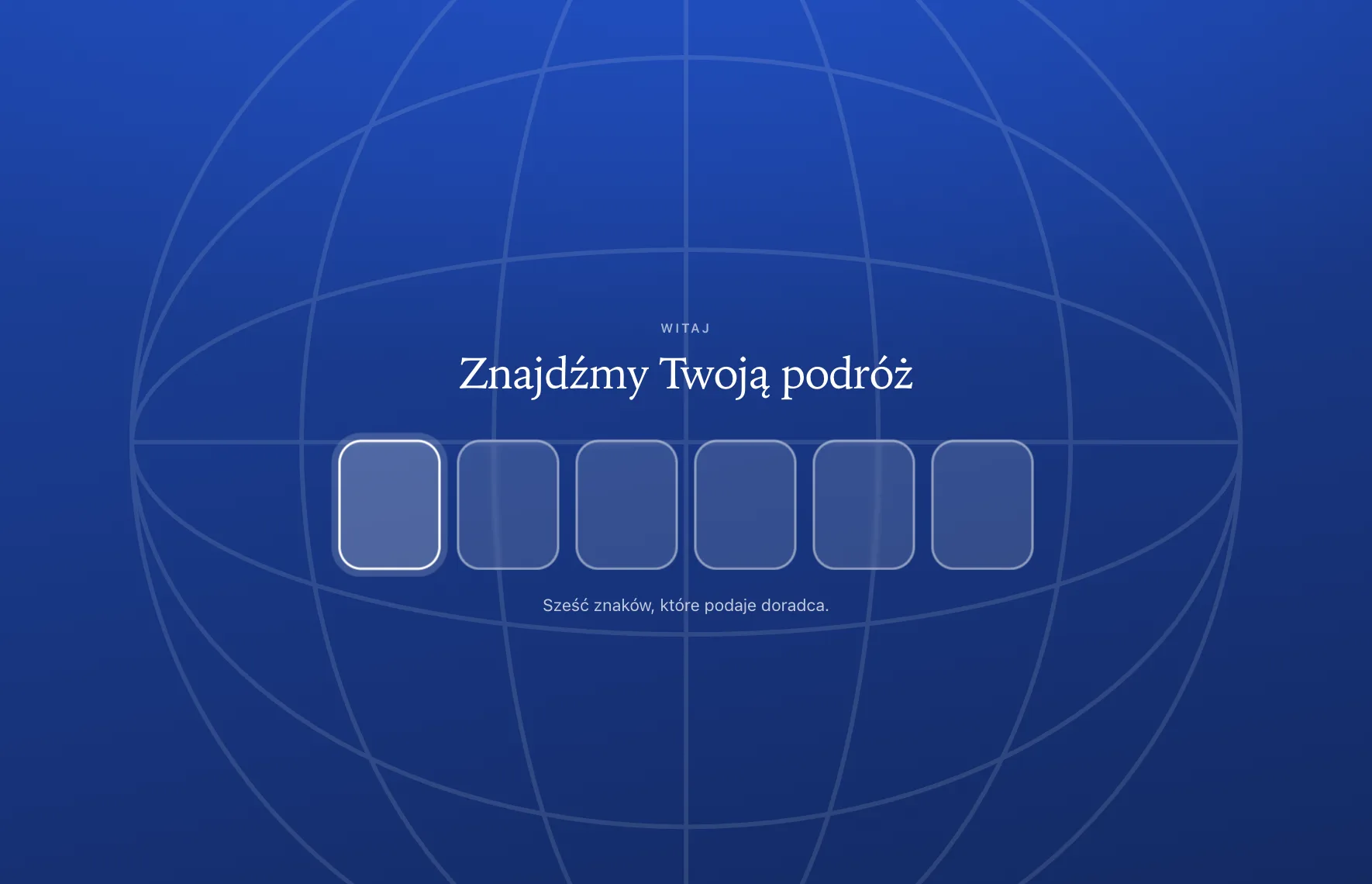
The livestream joins one advisor desktop to one customer tablet. Your application decides what the tablet shows: it pushes a view and the data for it, and the tablet renders that, nothing of its own. The customer can act only where your session config allows it, and the search view is never customer-driven.
A session is always one tablet, fixed server-side. Its state lives in the backend, not in a connection, so both sides see the same session whichever transport each uses.
Starting a session
The advisor starts the session in their own desktop application, which shows a six-character code. The customer types that code into the tablet on the other side of the desk and the two are joined; from then on the tablet follows whatever the advisor is looking at.
One session holds one tablet. A second device typing the same code is refused rather than quietly taking the first one's place, so a session cannot be hijacked by someone reading the code over a shoulder.
What the customer can do with it
The tablet is a mirror, not a second cockpit. It shows the offer, the photographs and the price the advisor has open, and the customer can act only where the advisor's application has allowed it — choosing between options put in front of them, for instance. Searching is never customer-driven: nothing the customer touches changes a booking.
It is also the customer's own language and the agency's own brand: the operator sets both, and the tablet applies them without anyone touching the device.
When a session ends
Sessions end themselves. A tablet left untouched for five minutes closes, and so does a session whose desktop has been idle for fifteen. That is deliberate — a tablet in a shop window should not still be showing the last customer's holiday an hour later. Starting again is a new code, which takes a few seconds.
Connecting your desktop application
Base URL, device identity and polling
The production base URL is https://livestream.world-of-regions.com/api. Endpoints here use the
service's own form, /Admin/Livestream/<X>, which the load balancer rewrites /api/<X> onto:
read /Admin/Livestream/Connect as /api/Connect. Locally the host is http://localhost:31337.
- Bodies are
application/jsonor a multipart form; responses are JSON with a top-levelstatusof"OK"or"ERR", plusstatusMessageand a machine-readablecodeon failure. Branch oncode, never on the message. - Polling is cheap. GET endpoints return an
ETag; send it back asIf-None-Matchfor a304 Not Modifiedwhile nothing has changed. Poll every 1–2 seconds. X-Livestream-Device. Send no such header on your first request: the response carries one holding a device id the server minted for you. Store it and resend it on every call. The guard counts per device, not per IP — an office shares one public address, and a client that never adopts the id has it blocked.
Creating a session and pairing a tablet
POST /Admin/Livestream/Connectwith an optionallabeland yourconfig. You get back acodeof six upper-case letters (noIorO), yourconfigechoed back canonically, and anexpiresAt: the code must be claimed within that window, five minutes by default.- The advisor reads the code out and the customer enters it on the tablet, which claims it
with
POST /Admin/Livestream/Claim. There is no login on the tablet: the code is the credential, and the tablet applies yourconfigfrom the claim response before rendering. GET /Admin/Livestream/Status?code=…untilconnectedturnstrue. It carries the sharedsessionIdthat everything afterwards uses;found:falsemeans the code is unknown or expired, so mint a fresh one.
An unknown or badly typed config key never fails the call: it falls back to its default and is
listed in configWarnings.
Connect is refused 409 SESSION_LIMIT_REACHED when too many livestreams are already running, with
activeSessions and maxSessions in the body. A code counts against that cap from the moment it
is minted, so mint one per session.
Driving the tablet
| Method and path | Purpose |
|---|---|
POST /Admin/Livestream/Session/State |
Set the current view and payload. |
POST /Admin/Livestream/Session/Config |
Change the config mid-session. |
GET /Admin/Livestream/Session/Input?sessionId=… |
Read the customer's latest input. |
POST /Admin/Livestream/Session/Input/Clear |
Clear the customer's selection. |
GET /Admin/Livestream/Session/Snapshot?sessionId=… |
Rehydrate the whole session. |
POST /Admin/Livestream/Session/End |
Kill the session. |
There is always exactly one selected view; post a new one when it changes:
{ "sessionId": "073b52…", "view": "results", "payload": {} }
view is one of search, results, details, form, regionlist, standby,
insuranceSearch, insuranceResults, insuranceForm, parkingSearch, parkingResults,
parkingForm, contact, content. The match is case-sensitive; anything else is a 400. The
payload overwrites the previous one — the current screen, not a log — so post only when
something changes. Changing the view clears the customer's input; a same-view update keeps it.
Config is session-wide and has its own channel: folded into a payload, the next view change
would clobber it.
Poll Session/Input only while the active view is interactive — while its enableInteractivity
flag is set (regionList, results, or reservation for form).
Never poll
GET Session/StateorGET Session/Config. Both belong to the tablet: a read on either counts as tablet presence and holds a vanished tablet's session open. Your loop isStatus,Session/InputandSession/Health.
The WebSocket transport
The same session is available over one connection instead of those loops; a socket desktop and a polling tablet still drive one session.
GET wss://<host>/api/Socket?code=<pairingCode>
GET wss://<host>/api/Socket?sessionId=<sessionId>&deviceId=<deviceId>
Open it on the code before pairing: when the tablet claims, that connection reports the
sessionId and becomes the session channel. Every frame is a JSON object with a type. You
receive hello, state, pairing, ack, health, ended, error and pong — a state frame
is exactly GET Session/State's body with a type added — and you send state, config,
clearInput, activity, end, health, resync or ping, each the twin of one HTTP call.
Connect and Claim stay HTTP, and deviceId goes in the query string, since a browser cannot
set a header on a handshake.
On close, read event.code: 4410 (session over, the reason in event.reason), 4404
(SESSION_NOT_FOUND), 4409 (CODE_INVALID), 4400 (BAD_REQUEST) and 4429 (RATE_LIMITED)
are verdicts about the session — act on them and stay off polling. Anything else, 1006 above
all, is a transport fault: fall back to polling and retry later. Reconnect with backoff as
routine — the platform caps connection lifetime — and the first state frame afterwards is the
whole picture.
Keeping the session alive, and ending it
Two idle clocks run on every claimed session, and either lapsing ends it.
| Clock | Window | Reset by | Not reset by |
|---|---|---|---|
| Desktop | 15 minutes | a change you push (Session/State, Session/Config, Session/Input/Clear), or Session/Activity |
your polls, or the health ping |
| Tablet | 5 minutes | any call from the tablet, its polls included | — |
Polling does not keep a session alive. GET /Admin/Livestream/Session/Health?sessionId=… reports
whether the session is alive, whether the tablet is still there, and how long each side has left
(desktopExpiresInMs, tabletExpiresInMs). Poll it every ten seconds; it extends nothing.
When the advisor is present but pushing nothing — a standby screen is pushed once and never
changes — send POST /Admin/Livestream/Session/Activity with the sessionId. Gate it on real
interaction (mousemove, keydown, click, the tab becoming visible), throttled to about once a
minute, never on a bare timer, which would make every abandoned panel immortal. It answers with
the health body, so it can replace that tick. On the socket the activity command does the same
job: a ping does not hold your clock.
POST /Admin/Livestream/Session/End kills the session and frees its slot at once. After that — or
after either clock lapses — every session read returns
{"status":"OK","ended":true,"endedAt":"…","reason":"…"} instead of data, with reason being
OPERATOR, IDLE_DESKTOP or IDLE_TABLET. A timed-out session is as terminal as a kill: getting
back needs a fresh Connect and Claim.
| HTTP | code |
What to do |
|---|---|---|
400 |
BAD_REQUEST |
A missing sessionId, code or view, or malformed JSON. |
404 |
SESSION_NOT_FOUND |
A well-formed sessionId with no live session. Re-pair. |
409 |
SESSION_FULL |
A second device tried to claim an already-paired session. |
429 |
RATE_LIMITED |
Back off for retryAfterSeconds. Ordinary polling never trips this. |
429 |
IP_BLOCKED |
Too many failed attempts from your address; wait retryAfterSeconds. |
503 |
UNAVAILABLE |
The livestream backend is unreachable. Retry with backoff. |
Configuration
Two things configure a tablet, and it is worth keeping them apart. The session carries everything that should follow the customer — the brand, the language, what they are allowed to touch — and your desktop application sets it. The URL carries what belongs to the device or to whoever is testing it.
Where the tablet points
The tablet talks to one backend, and by default it is ours:
https://livestream.world-of-regions.com/api
That address is absolute on purpose, whatever host serves the app. On a white-label domain a
same-origin /api would fall through to the single-page fallback and answer with the app's own
index.html — at status 200, so the failure arrives as a JSON parse error rather than as a 404.
Two overrides, in order of precedence:
| Override | Where | Use it for |
|---|---|---|
?api=<url> |
the URL | Pointing one device at another backend without rebuilding. |
VITE_LS_API |
build environment | A deployment that always talks to somewhere else. |
Cross-origin is expected and supported: the backend echoes the caller's Origin and exposes
X-Livestream-Device, which is the one response header the transport has to read back.
Branding
The palette arrives with the session, so the tablet is already wearing the agency's colours by the time the customer looks at it. You send a small set of values and the rest is derived:
| Value | What it sets |
|---|---|
brand |
The accent. A deeper text shade and a tint are derived from it, each mixed against the background so the result stays readable rather than blue-on-blue. |
background |
The page and every card surface. A saturated colour here flattens the whole interface into one field — it is the setting most worth testing before a shop sees it. |
text |
The ink. Left out, it is chosen automatically against the background. |
nav |
The bar. |
stars |
The rating colour. |
Everything else — muted inks, hairlines, the input surface, elevation — is mixed from those against the background, so a partner supplies five values rather than fifty.
One colour is deliberately not themeable: the text over photography stays white in every palette. It sits on somebody's holiday photograph, not on your background, and following the theme there is how it becomes unreadable.
Before a session exists there is nothing to theme from, which matters for the pairing screen. Pass the brand in the URL and it applies immediately:
?brand=%231f6fb2&name=Your%20Agency&logo=https://example.com/logo.svg
Language
The operator decides, not the device. config.language on the session is applied when the
session lands and remembered for the next boot, so a tablet keeps its language between customers.
That is deliberate: the device's own OS language is not evidence. An English Android tablet in a Polish agency still serves Polish customers.
Polish is the source language here — copy is authored in Polish and translated outward, which inverts the convention on the rest of World of Regions. A language that has not been published yet falls back to Polish rather than to key names.
Flags for testing
None of these are meant for a live tablet, and two of them will damage a live session if you use them on one.
| Flag | Does |
|---|---|
?transport=poll |
Forces the polling path, ignoring the socket. |
?transport=ws |
Pins the socket and never falls back — for debugging the transport itself, where an automatic fallback hides what you came to see. |
?preview=1 |
Local-only mirror mode, for embedding the tablet in a desktop panel. It claims nothing and polls nothing; the desktop pushes state in directly. |
?previewOrigin=<origin> |
Restricts a preview to accept pushes from one origin only. |
?debug=1 |
Loads an on-screen console, so a tablet in a shop can be asked for one. |
Never open a live session with
?preview=1missing on an embedded mirror. A preview that reaches the network registers as a second tablet, takes the session's only device slot, and keeps resetting the idle window — so a session whose real tablet has been put down never times out.